 Android TV · Google TV · Fire TV
Downabit
Your family's photos and videos, from your private Telegram channel to the big screen. Send from your phone, watch on the TV, keep it where you like.
7-day free trial · No ads · No tracking

What is Downabit?
Downabit turns a private Telegram channel into a drop folder for your TV. Send a video, a photo or a document to the channel from any phone or computer, and it is on the TV a moment later, ready to play, or saved where you want it: the TV itself, a USB drive, your NAS, a WebDAV server, Google Drive or Dropbox.
It is built for the remote control: sign in by scanning a code, connect cloud accounts from your phone, and let a daily speed test pick sensible download limits.
- Devices
- Android TV & Google TV (Android 7.0+), Fire TV (Fire OS 5+)
- Price
- Free download, subscription with a 7-day free trial
- Languages
- 30, including right-to-left
- Ads and tracking
- None
Three steps, no cables
1. Send
Post a video, photo or document to your private Downabit channel from any Telegram app.
2. Choose where it goes
On the TV, pick where to keep it: the TV, a USB drive, your NAS, WebDAV, Google Drive or Dropbox.
3. Watch
Play videos and music and open photos right away, from the TV or straight from where you saved them.
Everything the big screen needs
Built around the TV remote and the way families actually share videos.
Every place, one list
My files shows every copy, on the TV, a USB drive, your NAS or the cloud, with a badge for each place it is kept.
Streams big files through
Large files go straight to their destination, so a small stick can pass a film on to your NAS.
Smart download limits
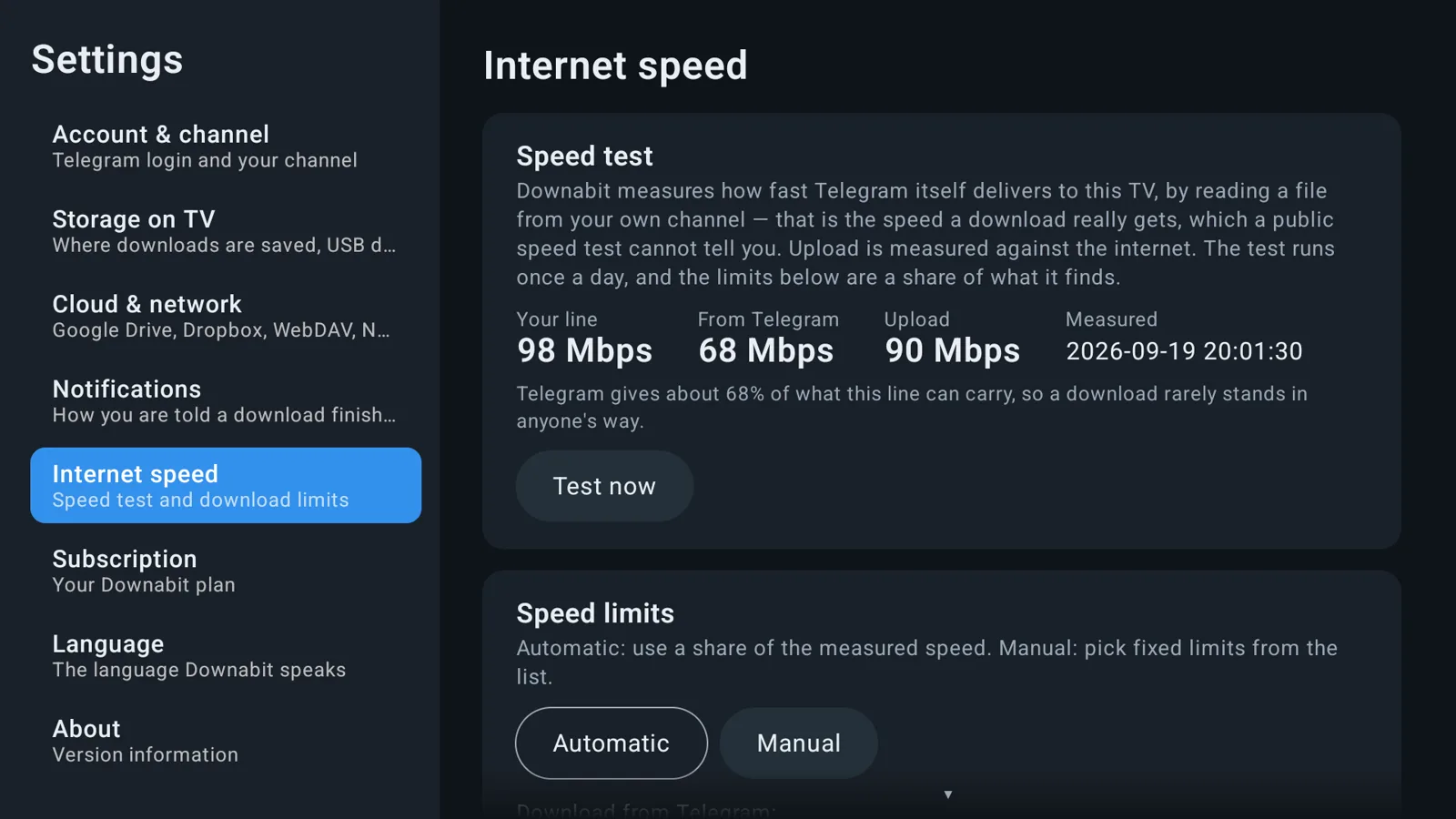
A daily speed test sets the limits for you. Downloads keep going in the background, two at a time.
Private by design
Only your own channel is read. No ads, no analytics, nothing sent to us.
Made for the remote
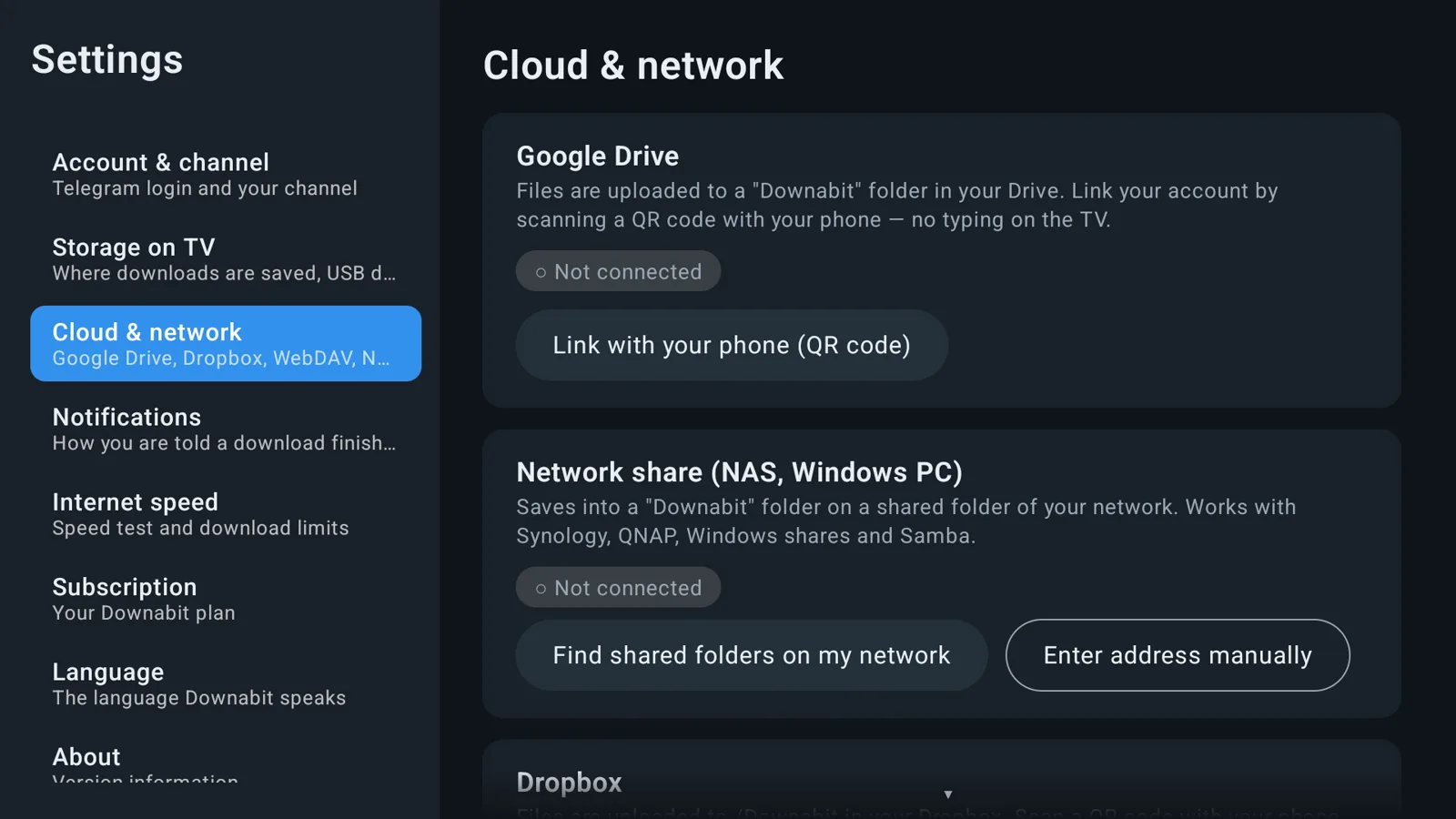
Sign in and connect accounts by scanning a code with your phone. Almost no typing.
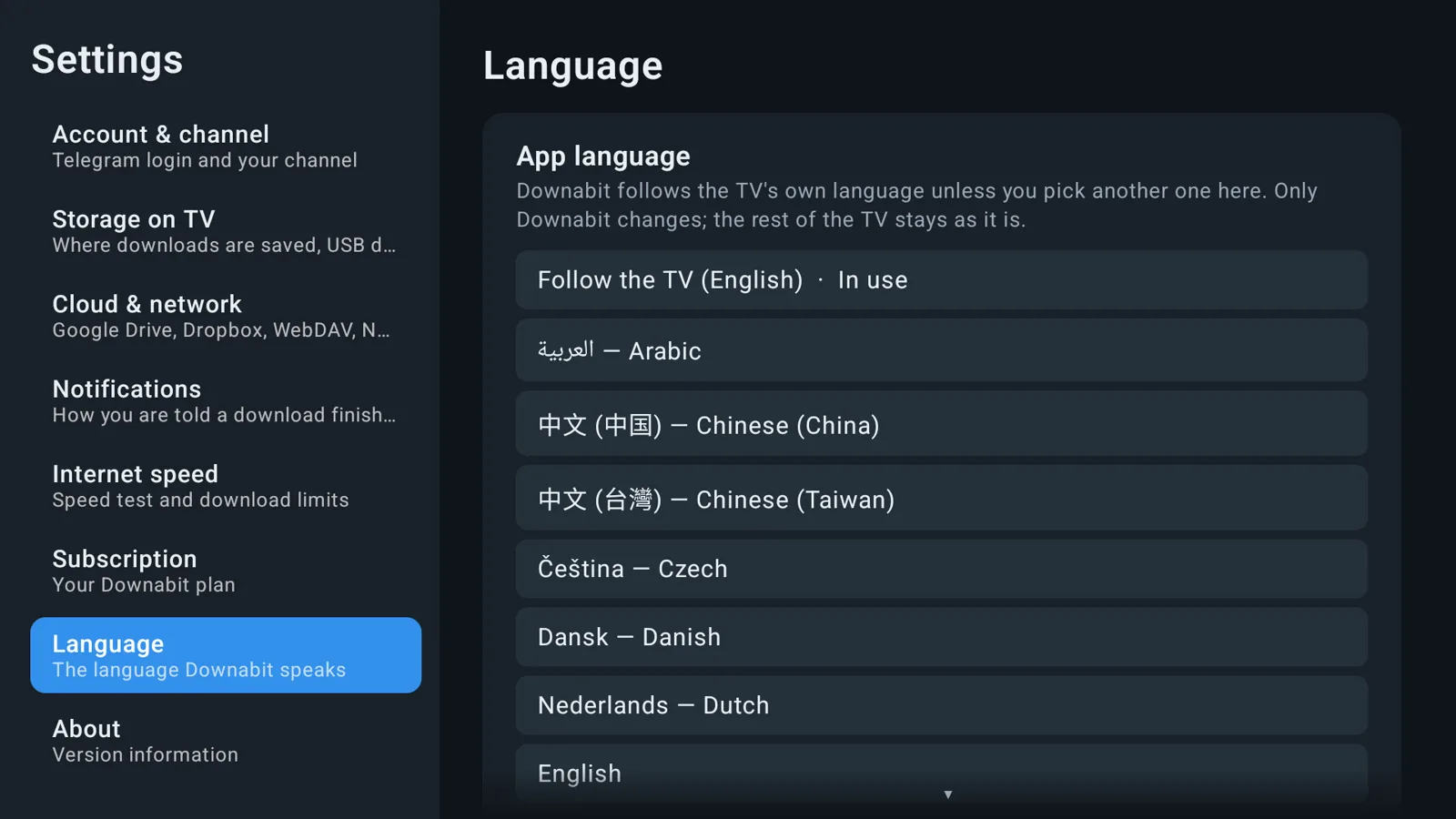
30 languages
From English and Hebrew to Arabic, Russian, Spanish, German and Chinese.
See it on the TV
Real screens from Downabit on Android TV.

Everyone sends, the TV plays
Add grandparents, cousins and friends to your channel. Whatever they post is ready on the TV for the next family evening.
- Works with any Telegram app on phone or computer
- Videos, music, photos and documents
- A notification when a file is ready

Your memories, where you keep them
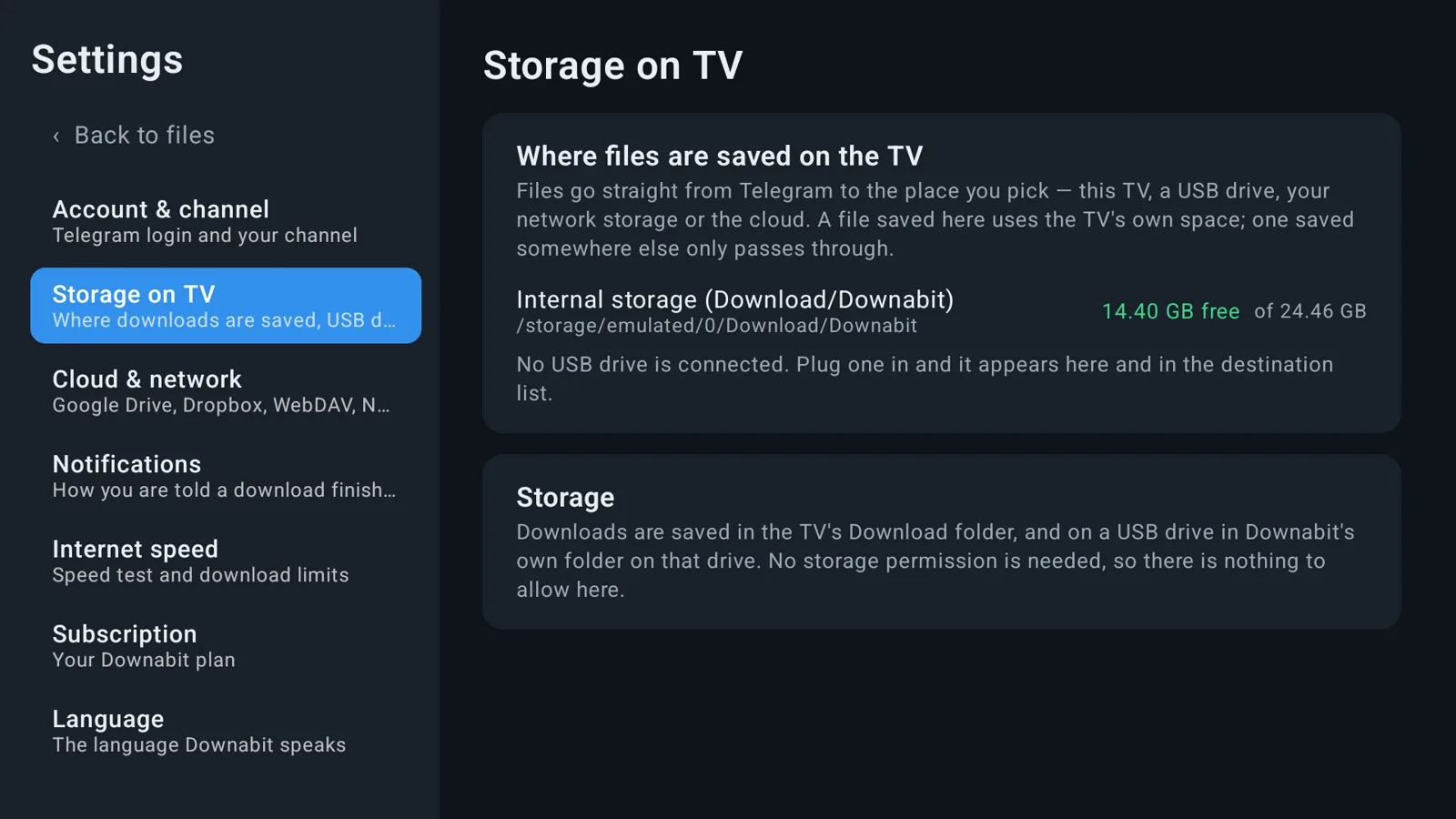
Save the summer's videos to your NAS or cloud account instead of filling up the TV. Free space is checked first, and name clashes ask before anything is replaced.
- Network shares are found on your home network
- Google Drive and Dropbox connect from your phone
- Delete from the TV, at the place you saved it
Downabit is free to download. Choose a monthly or yearly plan after the trial; prices are shown in the app in your own currency and billed by Google Play or the Amazon Appstore. Cancel any time.
Questions and answers
What do I need to use Downabit?
A Telegram account, and a TV with Android TV or Google TV (Android 7.0 or newer) or an Amazon Fire TV with Fire OS 5 or newer. Downabit creates a private channel in your Telegram account; you send files there from your phone.
Where can I save files?
On the TV itself, a USB drive, a Windows share or NAS on your home network (SMB), a WebDAV server, Google Drive or Dropbox. You choose for every file.
Does Downabit see my chats or my files?
No. Downabit only reads the private channel it creates for you, and files move straight from Telegram to the place you choose. Nothing is sent to us: there are no ads, no analytics and no tracking.
How much does it cost?
Downabit is free to download. Using it needs a monthly or yearly subscription, and every plan starts with a 7-day free trial. Prices are shown in the app in your currency. Cancel any time in Google Play or the Amazon Appstore.
Which Fire TV devices are supported?
Fire TV devices with Fire OS 5 or newer. Fire TV devices running Vega OS, such as the Fire TV Stick 4K Select and the Fire TV Stick HD (2nd generation), cannot run Android apps.
My TV has little storage. Can I still save a film?
Yes. Large files stream straight to their destination, so a stick with little free space can pass a film on to your NAS or cloud account without keeping it.
Step-by-step connection guides for every place you can save to, and more help on the support page.
Bring your family videos to the TV
Try Downabit free for 7 days on Android TV, Google TV or Fire TV.
Telegram is a trademark of Telegram FZ-LLC. Google Drive, Google TV and Google Play are trademarks of Google LLC. Dropbox is a trademark of Dropbox, Inc. Amazon, Fire TV and the Amazon Appstore are trademarks of Amazon.com, Inc. Downabit is not affiliated with, endorsed by or sponsored by any of them. The family pictures are illustrations made for this site.